
Blog
How to Integrate Real-Time Employee Tracking With Your Field Service Management

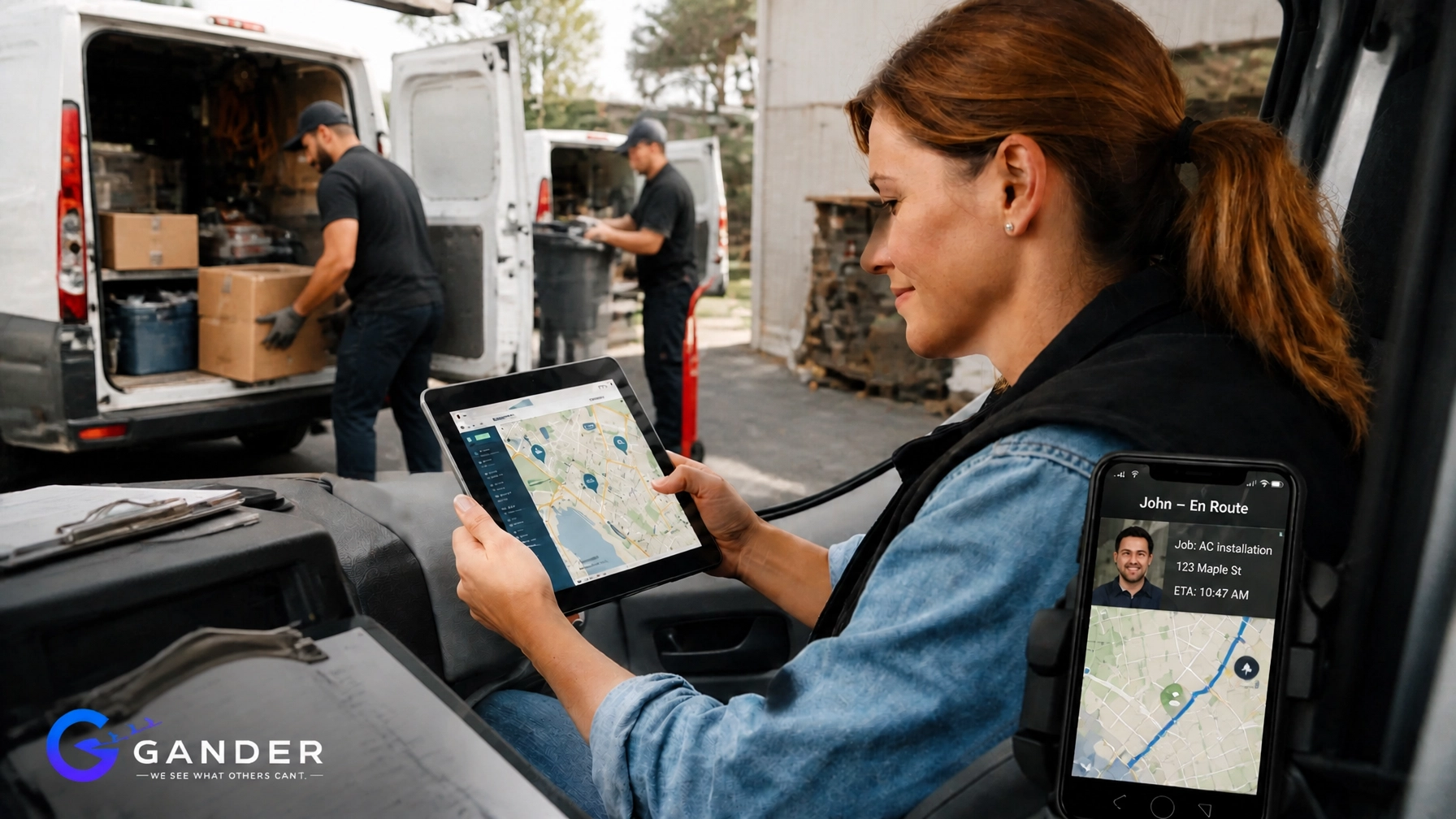
Did you know that field service businesses lose an average of 20% of their billable potential every single year due to simple administrative friction and lack of visibility? That is a staggering amount of money left on the table. If you are managing a team of technicians, cleaners, or HVAC specialists, you’ve likely felt that nagging uncertainty: Are they actually on-site? Did the traffic delay them by ten minutes or forty? Is the job actually done, or are we just hoping the paperwork is accurate?
In the past, managing a distributed workforce was a game of "phone tag" and manual logs: a goldmine for errors and a nightmare for your bottom line. But the landscape has shifted. We have entered the era of Remote Management Automation, where the integration of real-time employee tracking with your Field Service Management (FSM) software can revolutionize how you scale.
The Invisible Cost of "Blind Spots"
In the field service world, what you don't know definitely hurts you. Without a unified system, your business is riddled with "blind spots": those gaps in communication where time, fuel, and customer trust simply disappear.
Have you ever wondered how much time your office staff spends just trying to verify locations?
When your time tracking is disconnected from your scheduling, you’re essentially operating with one hand tied behind your back. You’re forced to rely on "best guesses" for payroll and manual updates for customer notifications. This isn't just a minor inconvenience; it's a structural leak in your profitability. By integrating real-time tracking, you aren't just watching your employees; you are reclaiming control over your most valuable asset: Time.
From Monitoring to "Remote Management Automation"
We need to stop thinking about tracking as a passive "check-in" tool. Instead, think of it as Remote Management Automation. This is the secret sauce for modern field service leaders.
Remote Management Automation means that the system does the heavy lifting for you. When a technician crosses a geofence (a virtual perimeter) around a job site, the system automatically triggers a series of events. It can clock them in, notify the dispatch team, and even send a text to the customer saying, "We've arrived!"
This is where Gander Remote shines. By turning a mobile device into a high-precision sensor, you eliminate the need for manual intervention. You aren’t just observing; you are automating the entire lifecycle of a field visit. This shift reduces the administrative burden on your technicians: who would much rather be fixing an AC unit than fiddling with a time-sheet app: and ensures that your data is 100% verifiable.

10 Hours Reclaimed: The Story of Sarah’s Service Success
To understand the power of this integration, let’s look at a real-world scenario. Meet Sarah, the operations manager for a growing commercial cleaning and maintenance firm with 30 employees spread across three counties.
Before integrating Gander with her management flow, Sarah spent her Monday mornings in "logistics purgatory." She had to cross-reference paper time cards with GPS logs from the trucks and the work orders in her scheduling software. It was a manual, error-prone process that took her nearly two full workdays every single month just to prep for payroll.
"I felt like a private investigator rather than a manager," Sarah told us. "I was constantly checking 'where were you at 2 PM on Tuesday?' because the logs didn't match the job completion time."
After implementing an integrated real-time tracking solution, the change was immediate. The "Remote Management Automation" took over. Geofences were set for every client location. The moment a team arrived, the data synced directly with the billing software.
The result? Sarah saved over 10 hours a week. That’s 40 hours a month: an entire work week: returned to her. She used that time to secure three new major contracts and overhaul their training program. By automating the "workforce checks," she moved from being a micro-manager to a strategic leader.
How to Build Your Integrated Tech Stack
Integrating real-time tracking isn't about buying a dozen different gadgets; it’s about creating a cohesive ecosystem. You want your tools to talk to each other so you don't have to be the translator.
1. The Mobile Foundation
Everything starts with the device in your technician's pocket. You need a robust mobile application that supports GPS-enabled tracking. This app should be light on battery usage but high on accuracy. When you deploy Gander, you’re giving your team a tool that works with them, not against them.
2. Geofencing: Your Digital Perimeter
This is the heart of integration. By setting up geofences around your job sites, you create "if-then" logic for your business.
- If Technician A enters the geofence, then start the clock.
- If Technician A leaves the geofence, then stop the clock and prompt for a job summary.
3. Centralized Dashboard (The "Control Tower")
Your office team needs a single source of truth. A real-time dashboard allows your dispatchers to see every "moving part" on a map. When an emergency call comes in, they don't have to radio every truck; they can simply see who is closest and has the most time left in their shift. This level of visibility is what separates the industry leaders from the laggards.

5 Steps to a Flawless Integration
Ready to seize the efficiency of real-time tracking? Follow this roadmap to ensure your integration is a success:
- Audit Your Current Flow: Identify where the friction is. Is it in payroll? Is it in customer disputes about arrival times? Knowing your pain points helps you configure your automation rules.
- Select Your "Anchor" Software: Ensure your time-tracking solution has a robust API or built-in integrations. You want your data to flow seamlessly into your accounting and payroll platforms.
- Define Your Geofences: Start with your most frequent job sites. Use high-accuracy mapping to ensure that "arriving" means actually being on the property, not just driving past it on the highway.
- Automate Notifications: Set up alerts for "late starts" or "missed shifts." Instead of finding out on Friday that a job wasn't started on Wednesday, you should know within 15 minutes of the scheduled start time.
- Test and Refine: Start with a pilot group. Gather their feedback on the mobile app's ease of use and adjust your automation triggers accordingly.
Addressing the Elephant in the Room: Employee Privacy
We get it: "tracking" can sometimes be a dirty word in the breakroom. It’s vital to approach this with transparency. Explain to your team that this isn't about "spying"; it's about fairness and safety.
Real-time tracking ensures that the technicians who are working hard and showing up on time are accurately compensated. It eliminates the "he-said, she-said" disputes over hours. Furthermore, it's a safety tool. If a technician is in a remote area and stops moving for an extended period, the system can alert the office to check on them.
When your team understands that the system is there to simplify their admin work and protect their paychecks, the "big brother" concerns quickly fade away. It’s about creating a culture of accountability where everyone wins.

The Bottom Line: Scale Without the Drama
Can your current manual system handle a 50% increase in volume?
If the answer is "only if I hire two more office admins," then you have a scalability problem. Integrated real-time tracking allows you to grow your field team without proportionally growing your overhead. It turns your operations into a well-oiled machine that can handle more jobs, more technicians, and more complexity with zero added drama.
By bridging the gap between location data and management software, you are doing more than just tracking time. You are building a smarter, more responsive, and more profitable service business.
You’ve come a long way in building your company. Now, it’s time to give yourself the tools to truly lead it. Check out our plans and see how we can help you eliminate those blind spots for good. You’re good to go: no drama, just data-driven growth.
The journey to a more efficient workforce starts with a single click. Are you ready to take your field service management to the next level? Let’s get to work.